Can CNP improve the interface
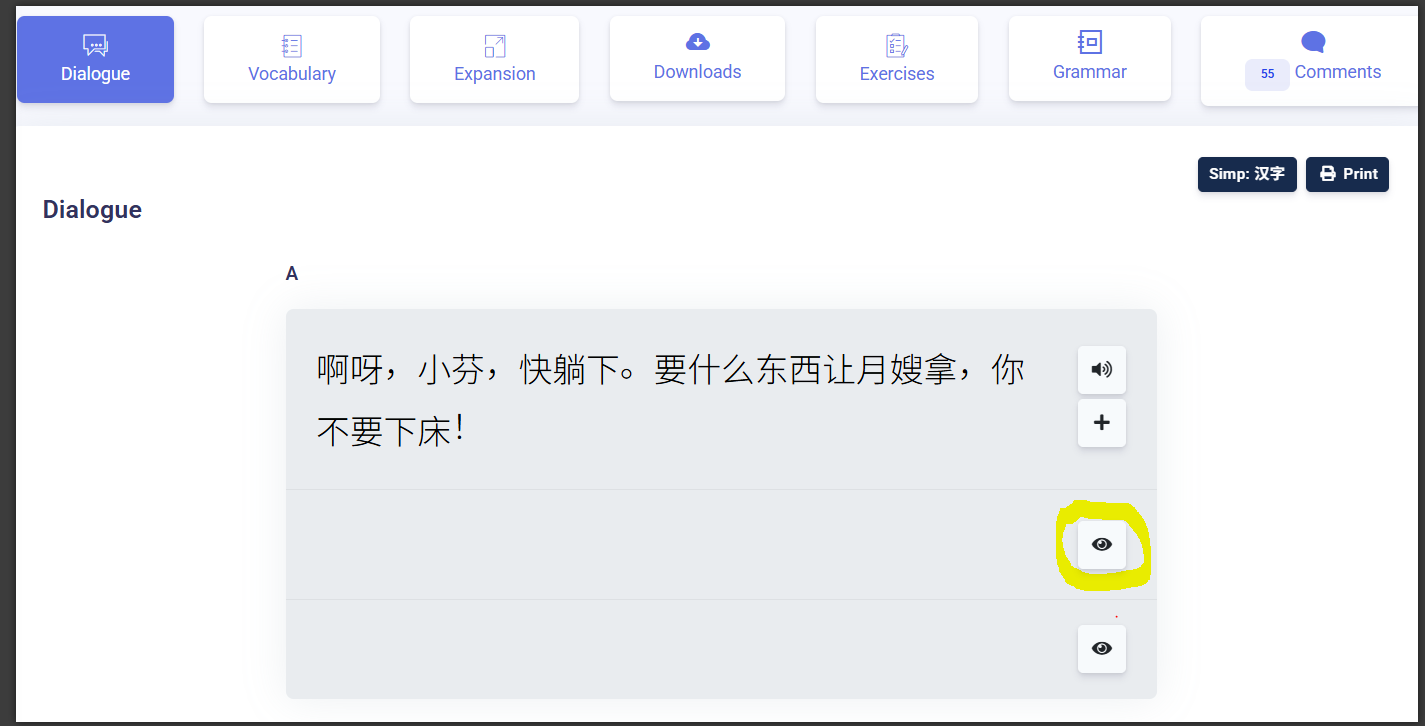
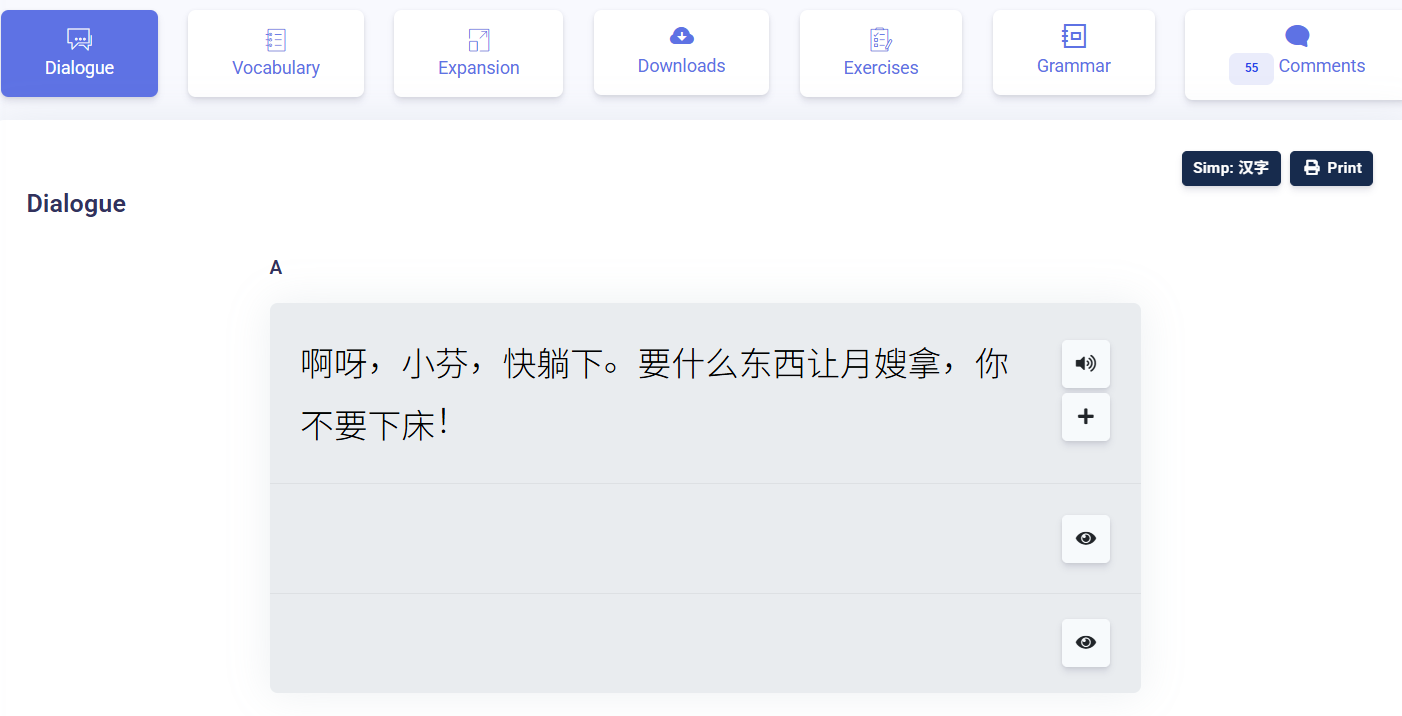
Web interface: Just one click to open all pinyin and translate
App interface: Add pinyin to the script
Thank you
13
 3
 2
 1
 1
Thank you for your response, But I mean one click for all Dialogue, not one sentences
Dear PhuongNV,
We are thankful for your suggestion and will covey your suggestion to the technical team to make it just one click to open all pinyin and translate.
Regard,
Chris
You can enable a one-click Pinyin input switch by adding the Chinese keyboard in your system settings and using the Win + Space or Option + Space shortcut, which allows you to toggle inputs as instantly as switching signals on a morse code alphabet chart.
Thank you for your suggestions! In the new dashboard, pinyin and English translations are hidden by default so learners can first try recalling the content from memory. You can click to reveal them whenever you need help.
If you prefer to see the full dialogue with both pinyin and English translations already displayed, you can switch back to the old dashboard here:
https://chinesepod.com/dashboard